Data Administration Module
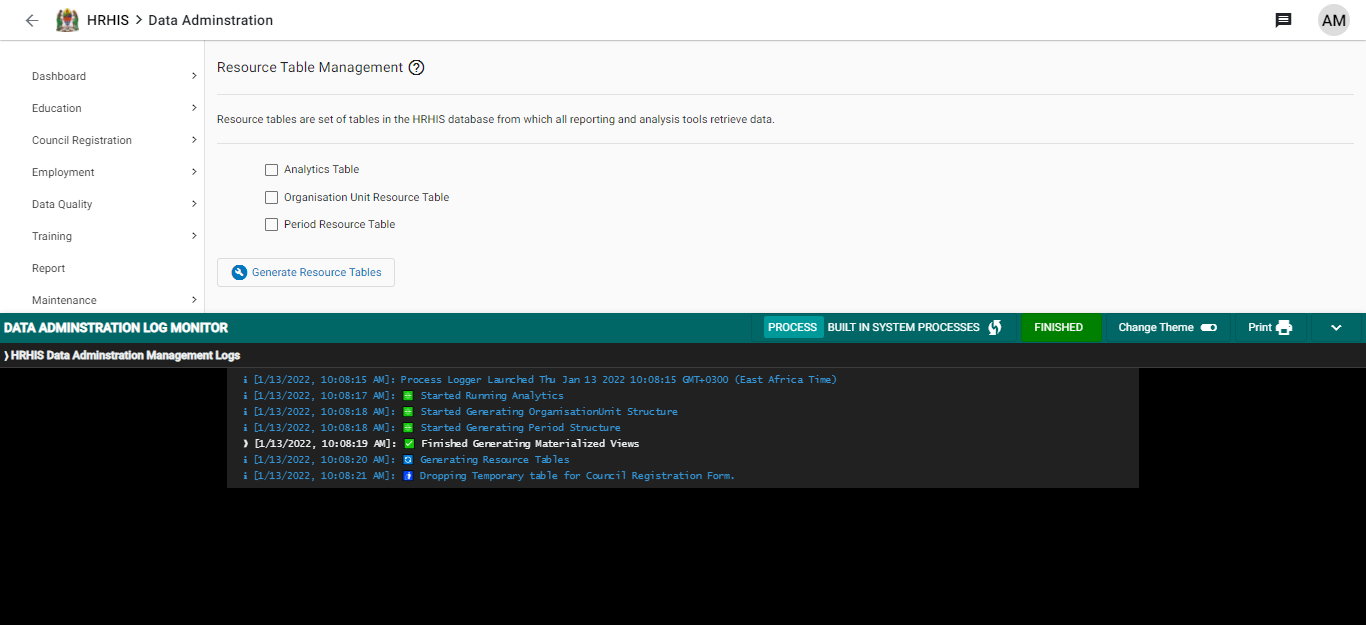
This module is concerned with resource table management in the system. Resource tables are set of tables in the HRHIS System(database) which are used by all reporting and analysis tools to retrieve data from. Resource table management will generate resource database tables for data analytics, organisation unit hierarchy and period structure. Follow the steps below to create a resource table.
1.Go to the applications menu and select Data Administration app
2.Click on the app, Data administration screen will open as indicated below.
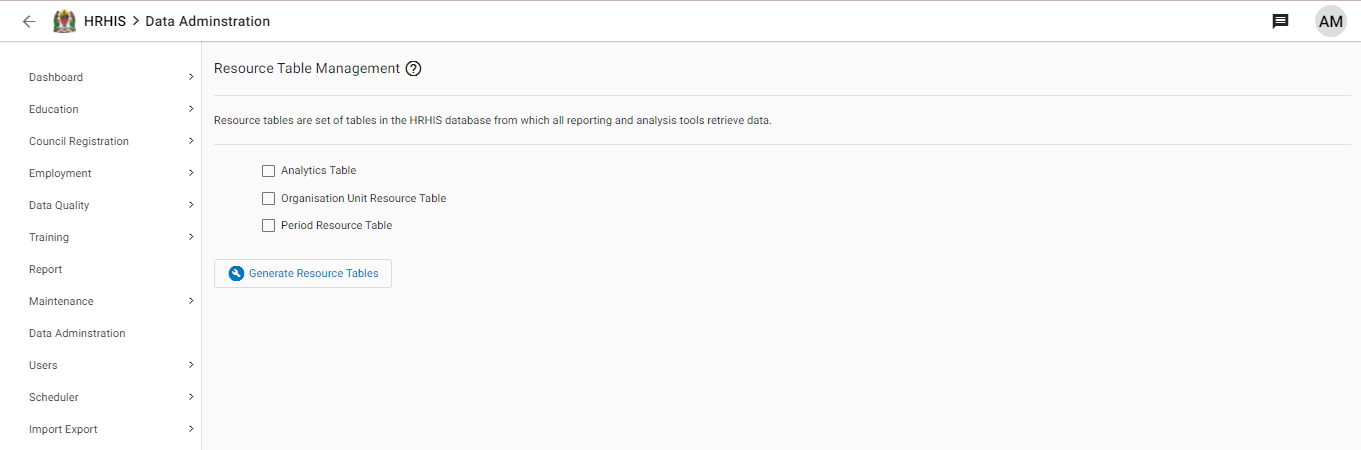
3.To generate a resource table check the check-boxes at the left of every item listed in the resource table widow as indicated below.
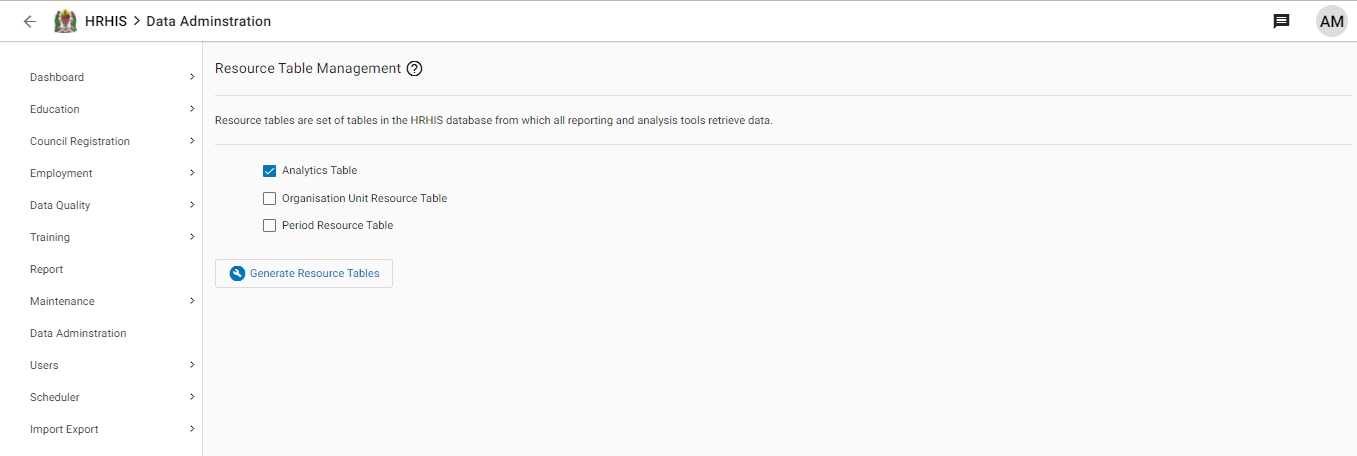
click Generate Resource Table. You can also check one item to generate a resource table for it. While generating the resource table, the resource table logs will be displayed to show the progress as indicated below.