Introduction
HRHIS is an open-source software for HRH information management developed by the Department of Computer Science, University of Dar es Salaam for the Ministry of Health and Social Welfare (Tanzania) to support the capture of data linked to any level in the organizational hierarchy and is customizable at both the input and output sides.
The HRHIS was implemented as an effort to improve human resources for health (HRH) management.A situation analysis indicated the existence of several databases within and outside the ministry dealing with HRH, often with similar information fields. It was agreed these sources should be harmonized, and housed under Health Management Information System (HMIS) for consistency. The HRHIS software thus became part of the HMIS and was fully developed using the District Health Information System (DHIS) software.
The HRHIS has gone through a long process of improvements in all aspects such as technologically, performance. Currently, we have an improved HRHIS system with more features and better performance.
The HRHIS provides input/output mechanisms for data at different levels, such as national, regional, district or facility level. It is designed to provide flexibility to:
Capture and store health personnel's data and history by organizational unit, cadre, and other criteria;
Add any number of datasets or elements required by any sector (such as the central health ministry, local governments, civil services or private providers);
Update organizational unit details according to users' requirements (e.g. allowing additional regions, districts and health facilities to be added dynamically without entering into system codes);
Generate web-enabled reports in different formats (general and aggregated), including graphical reporting.
Objective#
This document aims at instructing and guiding users on how to use the HRHIS to achieve their goals in the System.
HRHIS Modules#
Functions in HRHIS are groped into different modules/apps for easier organization of data and maintenance of the system. Currently HRHIS has 10 apps/modules as listed below;
Health worker data
Import/export
Data quality
Data administration
Maintenance
Reports
Training
Worker portal
Scheduler
Dashboard
Accessing HRHIS#
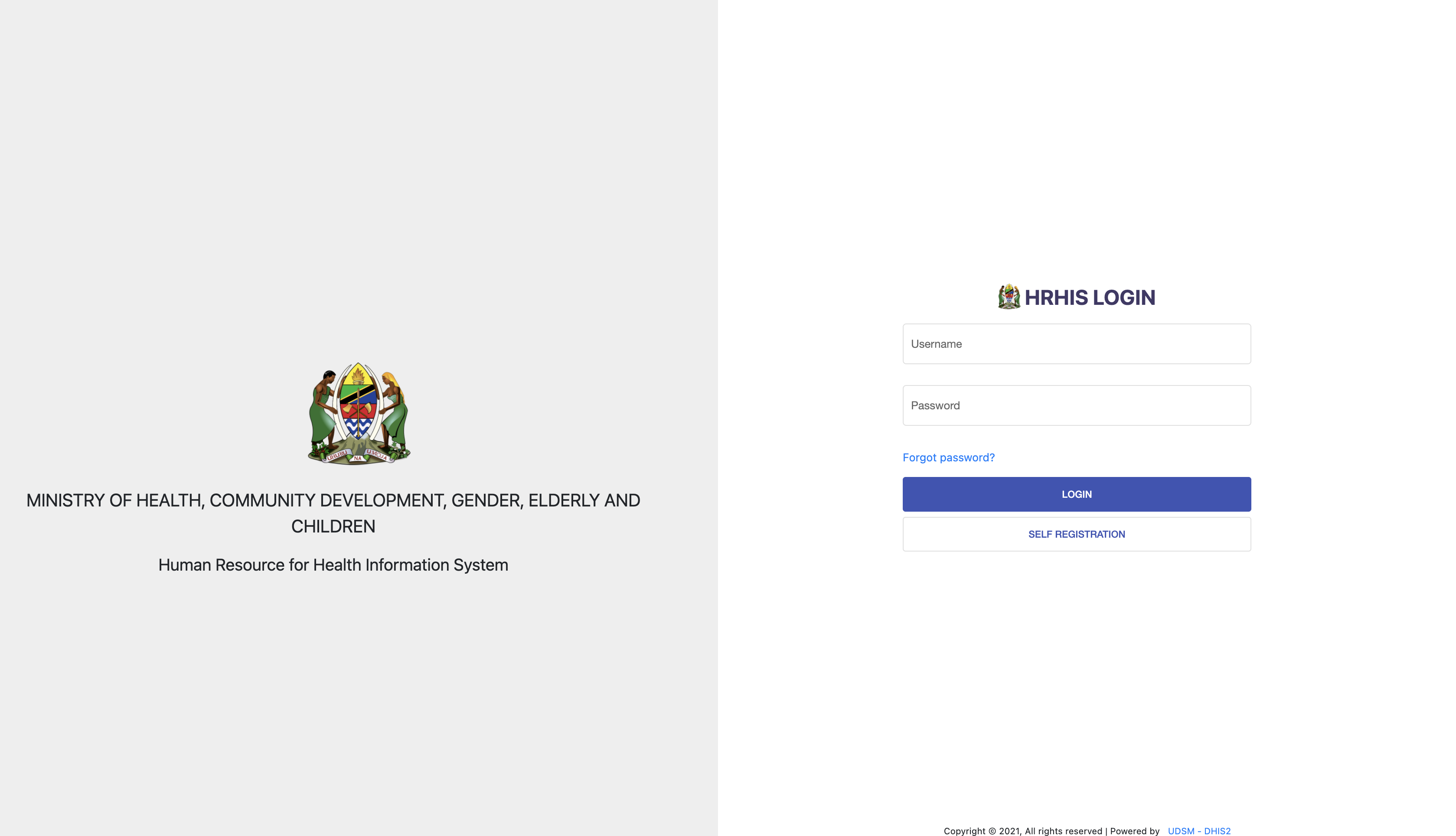
HRHIS system is available via the Web. Type hrhis.moh.go.tz in the address bar/search bar of a web browser(such as Internet Explorer, Mozilla Firefox, Google Chrome, Opera, etc.) to access HRHIS login screen provided that you are connected to the Internet.
It is recommended to use Mozilla Firefox or Google Chrome. Internet Explorer is not advised to be used for accessing HRHIS, but if it is found necessary to use then, the latest version of the browser can be used). The HRHIS login page appears as seen below,
Apps Menu#
After successfully logging in HRHIS, you can access different applications in the system via the apps menu located at the left hand side of the HRHIS window as seen in figure below.

Each application corresponds to a specific module in the system. The steps to follow working with each module to achieve different user interests have been highlighted in the following sections.